
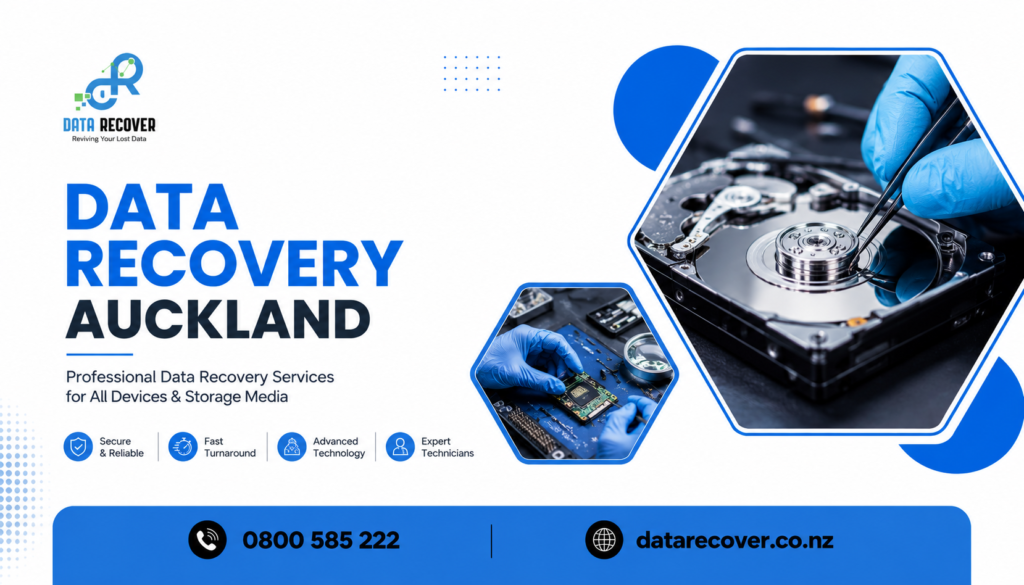
When a drive suddenly starts acting weird, or a laptop won’t boot right when you need it most. Years of photos, business stuff, or those half-finished projects you swear you’ll finish later can feel like they’ve vanished in a second. That’s basically why so many folks across Auckland end up searching for trusted Data Recovery Auckland specialists the second something goes wrong, you know, hoping there’s still a way to pull everything back.
At Data Recover, we deal with those “uh oh” moments all the time, and honestly the big lesson is this, most data isn’t totally gone , it’s just locked away until the right approach is used. This piece breaks down what usually causes drives to fail, what real hard drive recovery Auckland work involves, and also how you can tell you’re in the hands of people who actually know what they’re doing, especially when your files matter the most.
Why People Look for Data Recovery Auckland Wide
Data loss rarely gives you a heads-up. One day everything seems fine, and then boom, a drive is unreadable or the device won’t power on at all. That sudden shift is why so many people start looking for Data Recovery Auckland help, often with that real panic feeling, like time is slipping away.
Here are some common causes:
- Accidental deletion, where important files get wiped without any backup already sitting there.
- Corrupted file systems, making the drive look empty, or unreadable like it never existed.
- Physical damage, from drops, spills, or plain old wear that adds up over time.
- Failed software updates, which can leave devices stuck, or basically inaccessible.
- Virus or malware problems, which can mess with stored data in unexpected ways.
In most situations, the data is still there, it just needs the right tools and expertise to retrieve it without making things worse.
What Proper Hard Drive Recovery Auckland Work Looks Like
Hard drives can fail in different ways, and trying to treat everything the same is one of the biggest mistakes people make when they attempt DIY fixes. Proper hard drive recovery Auckland work usually begins with figuring out what actually happened, before anyone touches anything.
A few things this process often includes:
- Careful diagnosis first, to figure out if the issue is mechanical, logical, or firmware-related.
- Cleanroom-style handling for drives with physical damage, because extra rough handling can add more harm.
- Specialized recovery tools, not generic software that might overwrite things.
- File structure rebuilding, so recovered files can be organised and accessed properly again.
- Secure handling the whole way, protecting sensitive or personal info at every step.
Signs Your Drive Might Be Failing Before It Completely Stops
Drives often give little hints before they fully die, and catching it early can make recovery way more likely.
Watch for stuff like:
- Unusual clicking or grinding sounds coming from inside the drive.
- Slower access times than normal when opening folders, files, or programs.
- Frequent freezing or crashing, especially during file transfers.
- Files that won’t open, or that appear corrupted without any clear reason.
- The drive not being recognised by the computer at all.
A case study: Recovering a Family’s Irreplaceable Memories
A customer got in touch with Data Recover after an external hard drive quit working, taking more than a decade of family photos and videos with it. Those files weren’t backed up anywhere else, so the situation felt pretty hopeless. She tried a free recovery tool online first, but it made the drive even less responsive, like it had less and less room left to recover.
Our technicians ran proper diagnostics and found a mechanical fault, then carried out recovery using cleanroom handling and specialised extraction tools, avoiding the risk that generic software already introduced. Within a few days, every photo and video was recovered safely, and then transferred to a new drive. She later said it wasn’t only about the files, it was the fact that years of memories with her children weren’t actually lost forever.
Why Choose Data Recover
Not every recovery provider has the right tools, or the experience needed for complex situations, and that’s the gap Data Recover was built for.
- Technicians with experience in both logical and physical drive recovery.
- Advanced recovery tools, with less risk than DIY-style software.
- Clear communication, so you know what’s recoverable before any work starts.
- Strict confidentiality, keeping personal and business information protected.
- A real understanding of what recovered files can mean to a customer
What We Do
Data Recover provides a full range of recovery services aimed at bringing back what matters most.
Data Recovery Auckland
Comprehensive recovery services for lost, deleted, or corrupted files across a wide range of devices and storage types.
Hard Drive Recovery Auckland
Specialist support for mechanical, logical, and firmware-related drive failures, using the proper diagnostic and extraction methods.
External Drive and USB Recovery
Retrieval for portable storage devices that are affected by damage, corruption, or accidental formatting.
RAID and Business Data Recovery
Support for businesses dealing with drive failures across multi-disk systems and servers, reducing downtime and disruption.
Free Initial Diagnostics
An upfront assessment, so you understand what can actually be recovered before any commitment is made.
Frequently Asked Questions
1. Can my data really come back from a drive that simply won’t turn on?
Most times , yes. A physical drive problem doesn’t always mean the stored information is gone, especially if it’s in the hands of trained specialists.
2. Would it be ok to try recovery software myself first?
Honestly it’s better not, because those free utilities can end up overwriting files or making the situation more complicated, before professional recovery even starts.
3. How long does hard drive recovery usually take?
It depends a lot on the kind of failure, but in a lot of cases an initial look happens within a day, and the full result is often finished in just a few days.
4. Will my data stay private while the recovery is being done?
Yes. Strong confidentiality practices are used the whole time, so your documents are dealt with securely, and privately .
5. What should I do right when I notice the drive isn’t acting right?
Immediately stop using it , and don’t keep trying to access it again and again, because that can reduce the odds of a complete recovery.
Conclusion
Losing important files can feel overwhelming in the moment, but in most cases, recovery is completely possible with the right expertise. Whether you need trusted Data Recovery Auckland support for a corrupted drive, or specialised hard drive recovery Auckland work after a mechanical failure, having the right team on your side helps turn a stressful situation into something you can handle.
Contact us if you have any queries:
0800 585 222
Data Recover is here to help you bring your files and your peace of mind back where they belong.